SAP AI Core Training Course
Master AI on SAP BTP with Odia Engineer Learning Platform
₹24999.00₹10999.00
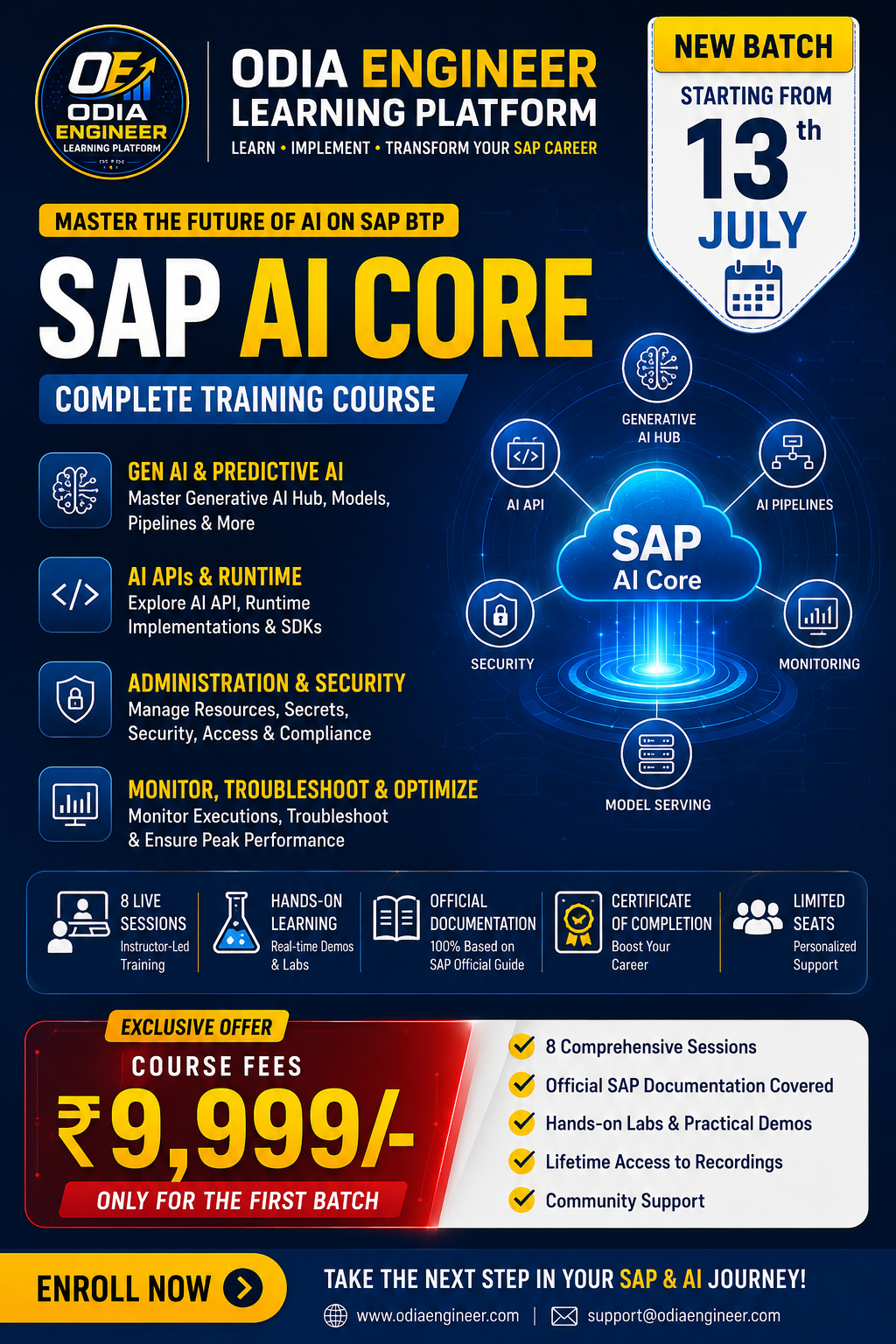
Enroll in the all-inclusive SAP AI Core Training Course to excel in the future of AI on SAP BTP. Acquire hands-on experience with generative AI, predictive AI, APIs, management, security, surveillance, and troubleshooting. This course includes official SAP documentation, interactive labs, practical demonstrations, and a completion certificate. Limited seats are available! Ideal for professionals and aspirants looking to enhance their SAP career.
Session 1 – Introduction to SAP AI Core
1. What Is SAP AI Core?
Overview of SAP AI Core
Main Features
AI Scenario Lifecycle
Introduction to Generative AI Hub
Pipeline Execution
Model Serving
Lifecycle Management
Multi-Tenancy
Supported Environments
Architectural Overview
Components of AI Core
AI Launchpad
AI API
External Components
Git Repository
Docker Repository
Object Store
Kubernetes
Argo Workflows
KServe
1.1 Billing & Pricing
Standard vs Extended Plans
Metering for Generative AI
Metering for Predictive AI
Capacity Units
Consumption Information
Examples of Pricing
Session 2 – What's New & Core Concepts
Recent Updates in SAP AI Core
Recent Enhancements in AI Core
Updates to Generative AI Hub
New Foundation Models
Changes to Service Plans
Features for Prompt Optimization
Recent Improvements to the Platform
Core Concepts
Introduction to AI API
Implementations of AI API Runtime
Resource Groups
Scope of Resources
Overview of Generative AI Hub
Session 3 – Initial Setup
Activation of SAP AI Core
Cloud Foundry
Create a Subaccount
Activate Cloud Foundry
Set Up a Space
Add Service Plan
Create Service Instance
Generate Service Key
Utilize Service Key
Kyma Environment
Activate SAP AI Core in Kyma
Overview of Tutorials
Session 4 – Administration (Part 1)
Git Repository Management
Add a Git Repository
Edit a Git Repository
Remove a Git Repository
Application Management
Create an Application
List Existing Applications
Edit an Application
Delete an Application
Resource Groups Management
Resource Group Level Resources
Create a Resource Group
Edit a Resource Group
Delete a Resource Group
Session 5 – Administration (Part 2)
Managing Object Store Secrets
Register an Object Store Secret
Edit an Object Store Secret
Delete an Object Store Secret
Managing Docker Registry Secrets
Register a Docker Registry Secret
Edit a Docker Registry Secret
Delete a Docker Registry Secret
Managing Generic Secrets
Create a Generic Secret
Retrieve Generic Secrets
Update a Generic Secret
Delete a Generic Secret
Utilize Generic Secrets
Session 6 – Administration (Part 3)
Managing mTLS Certificate Secrets
Create an mTLS Certificate Secret
Consume an mTLS Certificate Secret
List mTLS Certificate Secrets
Retrieve Secret Details
Rotate mTLS Certificate
Delete an mTLS Certificate Secret
APIs & API Extensions
Libraries & SDKs
Content Packages
Session 7 – Advanced Features & Security
Advanced Features
AI Content as a Service
Service Custom Resource
Getting Started as a Service Provider
Billing
Offboarding Procedures
Shared Resource Groups
Security
Overview of Security Features
Encryption during Transmission
Authentication & Management
Docker Images
AI Content Security Measures
Kubernetes Security Features
Configuration Data & Secrets
Output Encoding
Multi-tenancy
Audit & Logging
Data Protection & Privacy
Session 8 – Monitoring, Troubleshooting & Service Lifecycle
Features for Accessibility
Monitoring & Troubleshooting
Repository-Related Issues
Configuration-Related Issues
Artifacts
Application Monitoring
Job Executions
Docker Issues
Deployment Problems
Miscellaneous Problems